Source Mode for Agents
Connect yourAI to Source Mode.
Source Mode gives door hardware professionals one place to source, quote, and order. Now it connects to the AI assistant you already use.
Ask in plain English.
Get the right hardware.
Point Claude, ChatGPT, or any MCP-capable assistant at SECLOCK and its agent can search the catalog, pull your account pricing, check stock, and place orders using the same account and cart your team already uses.
You
I need panic hardware for a 36" fire-rated door, exit only, in 630. What do you carry and is it in stock?
Your agent, via SECLOCK Source Mode for Agents
Here are three fire-rated rim exit devices for a 36" door in 630 (satin stainless):
Von Duprin 98EO 3 32D
Exit only · 3-foot device
your price $XXXX.XX · 108+ in stock
SARGENT 8888F 32D
Fire-rated rim · wide stile pushpad · 3-foot
your price $XXXX.XX · 530+ in stock
Falcon 25R-EO 3 630
Rim · exit only
your price $XXXX.XX · 48 in stock
All three ship same-day. Want me to add one to your cart, or open the Von Duprin spec sheet to confirm the fire rating?
You
Add four of the Von Duprin and place the order.
Your agent, via SECLOCK Source Mode for Agents
Ready to place on your terms account:
4 × Von Duprin 98EO 3 32D
Ships same-day
$XXX.XX ea · $X,XXX.XX total
To confirm the order, I'll need a PO number. What should I put on it?
Works with the AI your team already uses.
No new software. No new login. If you're already using one of these, you're ready to connect.
- Claude
- ChatGPT
- Perplexity
- Copilot
- …and more
Connecting happens over MCP, the open standard AI assistants use to reach outside systems.
The industry's leading distributor, now connected to your company AI.
SECLOCK is the industry's leading wholesale-only distributor of electrical and mechanical commercial door hardware with over 40 years serving the trade. Source Mode for Agents gives your AI assistant access to that catalog, your account pricing, live inventory, and terms checkout, through a secure open standard (OAuth, MCP). Its agent searches, quotes, builds the order, and on your confirmation, places it on your terms account. Everything ships from the same inventory it always has.
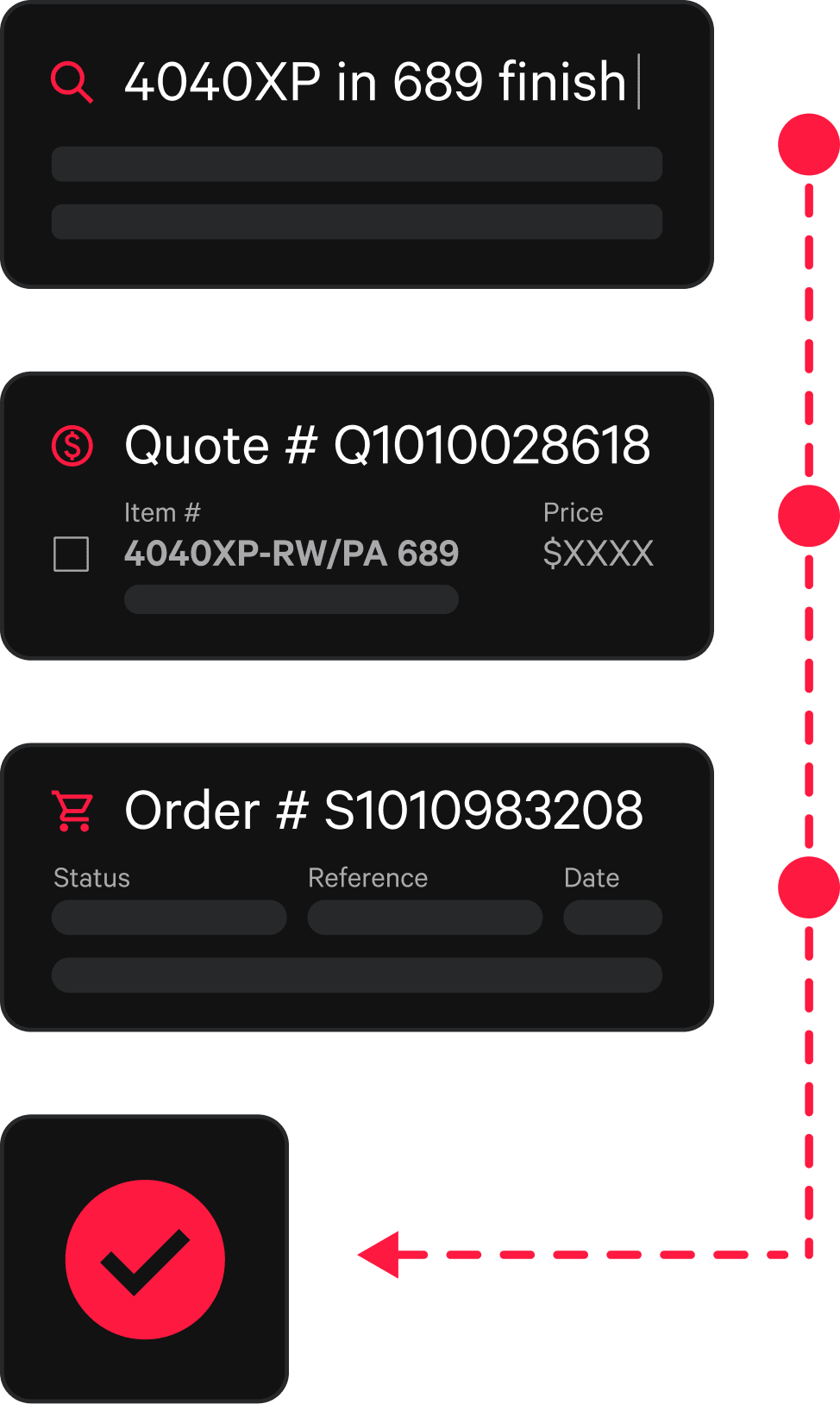
Real SKUs, real pricing, real stock. Not a guess.
Ask a general-purpose AI assistant for a part number and it will guess: often a discontinued SKU, the wrong function, or a list price it found somewhere online. In this trade, that's a door that doesn't meet code, the wrong product on the order, and a job that gets delayed.
Source Mode for Agents connects your AI assistant to the dependable distribution source you already work with.
A general assistant
Source Mode for Agents
A general assistant
Part numbers invented from memory or from retail sites.
Source Mode for Agents
Real SKUs — from SECLOCK's live catalog.
A general assistant
List price scraped off the web.
Source Mode for Agents
Your pricing — from your trade account.
A general assistant
A guess about whether it's available.
Source Mode for Agents
Live inventory — in real-time.
A general assistant
Specs recalled from training data, with no source.
Source Mode for Agents
Real specs — from manufacturer documentation, cited to the source.
How it works.
Step 01
Connect
Add the SECLOCK connector to your AI assistant once. No new login, no separate platform. It runs on the same trade account and cart your team already uses on SECLOCK.com.
Step 02
Ask
Talk to your AI assistant like you'd talk to a Technical Sales Rep. Its agent understands SKUs, series, functions, finishes, and options, and turns shorthand into exact, orderable line items.
Step 03
Order
Your agent prices the cart and builds the order. The checkout tool confirms the total with you and takes your PO number before it places anything on your terms account. Same-day shipping, same as always.
In practice
Industry use cases.
You “Here's the hardware schedule for the Fenway job. Set it up as a project.”
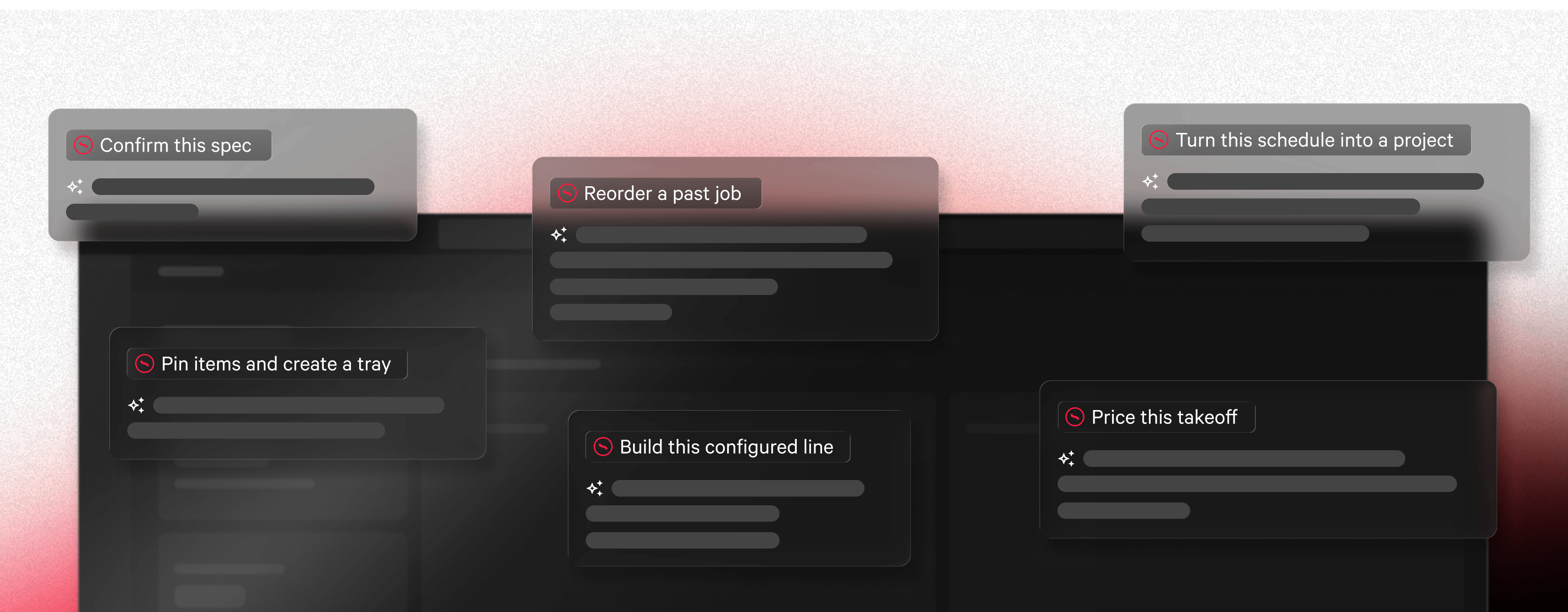
Turn a schedule into a project
Your agent reads the schedule, matches each line to a real SECLOCK SKU, and stands up the project. It bulk-creates the openings and sets, with architect, GC, bid date, and job reference attached.
You “Price this takeoff and tell me stock levels.”
Price a takeoff against your account
It resolves every line, pulls your trade account pricing, and checks live ERP inventory, so you know the real number and the real lead time before you bid.
You “Is that device fire-rated for a 36" opening?”
Confirm a spec before it ships
It searches the manufacturer's own PDFs and series-construction guides and answers with the source document and page, so you can check the rating yourself.
You “ND80PD Rhodes, 626, Schlage C keyway. Build the line.”
Build a configured line correctly
For configurable products it reads the actual specification groups: keyway, strike, cylinder function, finish. It works the options so the line is right before it hits the cart.
You “Load the standard classroom package and order four sets on PO 4471.”
Reorder a repeat job
It loads the saved cart, refreshes pricing and stock against today's numbers, confirms the total with you, and places the order on your terms account.
You “Pin everything from this job into a tray called Fenway Phase 2.”
Keep the working set organized
Frequently-used products get pinned, grouped into named trays, and favorited, so the next job on the same spec starts from what you already sourced.
Powerful, AI-ready tools.
Find the right part
Search the catalog.
Full SKU, partial SKU, a series, or a plain description. Your agent searches nearly 10 million SKUs and returns the exact SECLOCK item.
Configure it right.
For configurable products, it reads the actual specifications (keyway, strike, etc.) and works through the options so the line is built correctly.
Check the manufacturer docs.
It searches manufacturer PDFs and series-construction guides to answer how a series is built and how to spec within it, citing the source document and page.
Get pricing and stock
Your pricing.
Pricing is scoped to your trade account and pulled server-side. What your agent shows you is what you pay, not list price.
Live inventory.
Stock levels come straight from the ERP. No callback to find out whether it's on the shelf.
Order-ready totals.
Carts return with per-line pricing, tariff surcharges, and a true subtotal: the same numbers SECLOCK ships against, same-day.
Ordered today. Shipped today.
Build the job
Carts, quotes and orders.
Your agent adds items to your active cart, or to any saved cart, with quantities, options, and line notes. It can also price a cart and return a quote, and place an order on your terms account.
Projects, openings, and sets.
It can set up a full project scheduled the way the trade organizes hardware: bulk-create openings and sets, add architect, GC, bid dates, and job reference numbers.
Pins and trays.
Frequently-used products get pinned, grouped into named trays, and favorited, so the working set stays organized across jobs.
Place the order
Check out on terms.
When the cart is right, your agent places the order on your SECLOCK terms account, no re-keying it into another system. The checkout tool confirms the total with you and requires a PO number before anything is placed.
Already agent-ready
Built for agents from the start.
SECLOCK publishes a public catalog API so AI assistants can confirm what we carry: manufacturers, series, and part numbers. No account required for discovery. Source Mode for Agents is the next step: a secure, wholesale-only connection to your account for the work that actually gets a job out the door. As more of the trade works through AI, SECLOCK is already there.
Questions.
- Do I need a SECLOCK account?
- Yes. Pricing, inventory, and ordering require an approved trade account with terms. Discovery is open, so anyone can confirm whether we carry a part, but everything else runs on your login.
- Which assistants does it work with?
- Any MCP-capable assistant, including Claude and ChatGPT. It's built on an open standard, so you're not locked to one tool.
- Can it place an order?
- Yes, your agent can place the order on your terms account. It just can't do it without you: every order requires your confirmation and a PO number, enforced by the checkout tool.
- Can it order without my say-so?
- No. Confirmation and a PO number are required before any order is placed. The checkout tool enforces both, so the AI can't skip either step.
- How do I pay?
- Orders go on your SECLOCK terms account, the same terms you already have. There's no credit-card checkout at this time, but your cart is still available to check out on SECLOCK.com.
- Does it see my pricing?
- Yes. Your account pricing, pulled live.
- Is my data shared with the AI provider?
- No. It runs on the same permissions as your SECLOCK login and only accesses our catalog. If you choose to use tools that access your account, that will be subject to your company's privacy policy. See our privacy policy for how our data is handled.
- Is there a separate cost or setup?
- No separate platform and no extra onboarding. Connect your assistant once and it works with the account and cart you already use.
Connect your AI agents to SECLOCK Source Mode today.
Same catalog. Same account pricing. Same terms. Same same-day shipping. Now you can source, quote, and order it all through the AI assistant you already use.